Navigate your way
Follow spoken route-step guidance and rerouting in NavRoutes Drive, or open your next stop in Apple Maps, Google Maps or Waze. Keep your delivery details ready when you arrive.
 NavRoutes.Get NavRoutes
NavRoutes for iPhone
Scan delivery paperwork. Capture addresses and parcel IDs with on-device AI on compatible iPhones. Plan your route and keep each delivery organised.
Illustrative scene, not the app interface.
Turn addresses into an organised multi-stop route. See planned arrivals, keep parcel details beside each stop and save delivery outcomes as you go.
Multi-stop route optimisation
Add your delivery addresses, choose a start and finish, and optimise the stop order. When plans change, re-optimise the work still ahead.
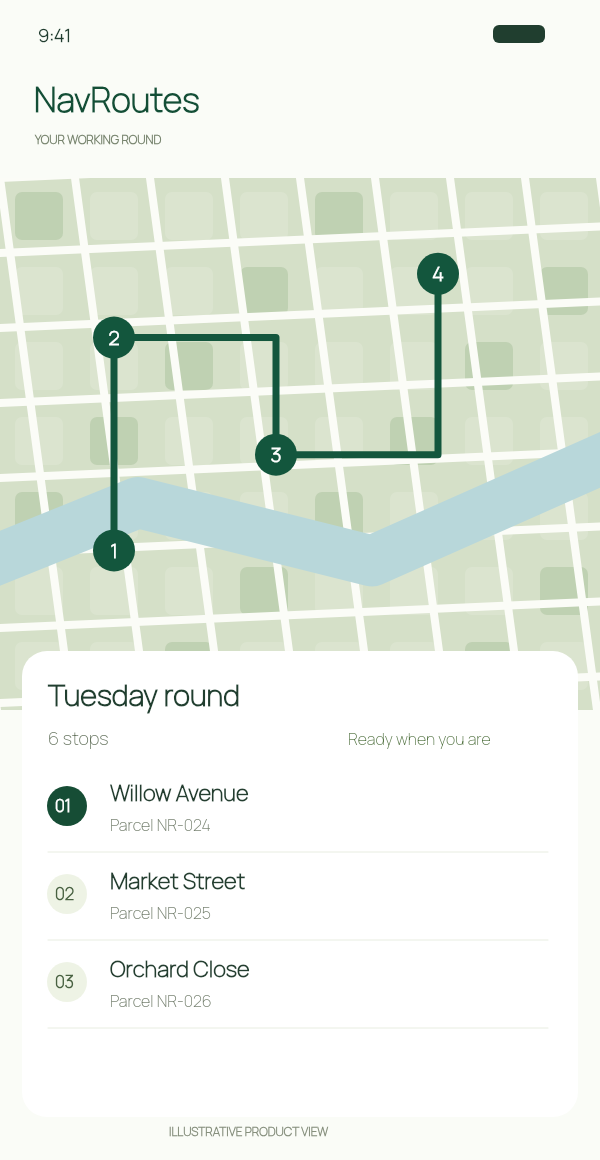
Planned arrivals and stop allowances
Review the planned route distance, driving time and arrival times. Include the time you expect to spend at each delivery, not just the journey between stops.
Arrival times are estimates, not guaranteed delivery windows.
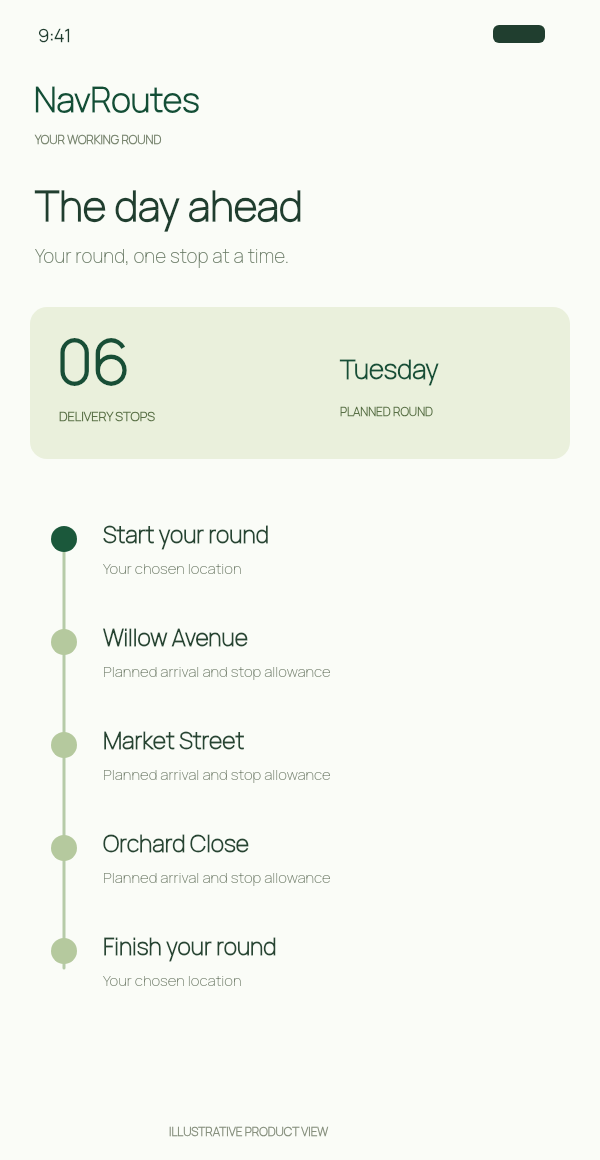
Parcel details and delivery records
Keep the parcel reference, recipient and driver instructions beside the stop. Add parcel-reference photos before the round and delivery-proof photos at the doorstep.
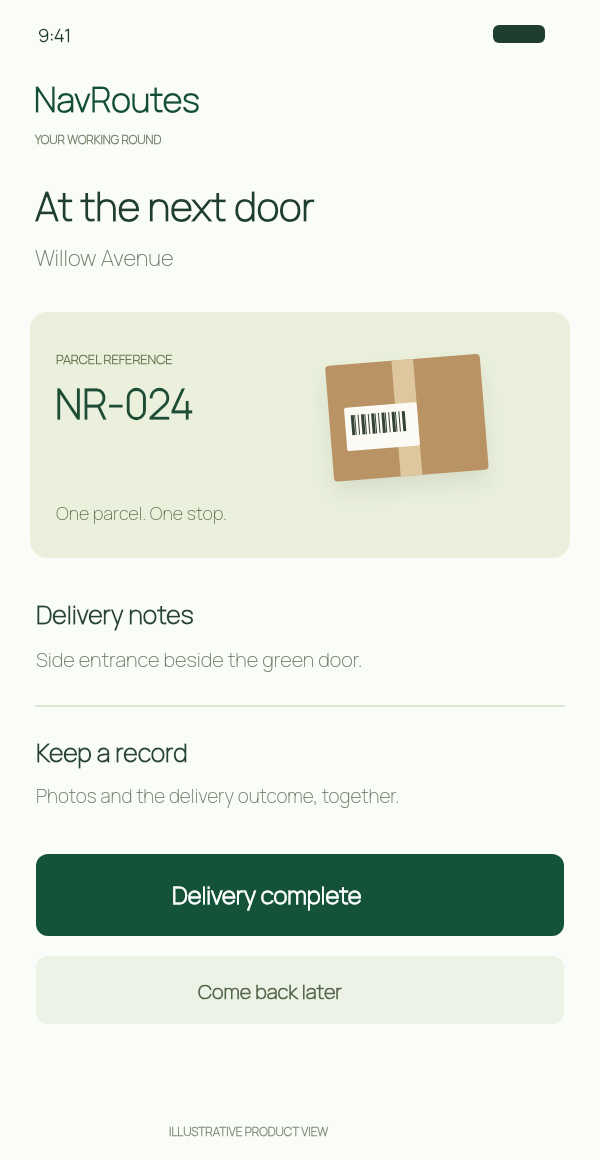
AI address and parcel extraction
Less manual entry before you leave. More delivery information with you when you arrive.
Scan an order page or choose a page image. NavRoutes reads the text, then uses Apple's on-device AI on compatible iPhones to identify delivery addresses and the details that belong with them.
Review the suggested map matches and confirm your deliveries. Different recipients at the same address can stay separate, so the right details follow the right stop.
AI-assisted extraction requires iOS 26 or later and an Apple Intelligence-capable iPhone with Apple Intelligence enabled and its model available. Extracted details depend on the source document; review them before import.
Get help with address scanningPlan the route, navigate to the next stop and keep the delivery record. NavRoutes brings the everyday tools of courier work together on your iPhone.
Follow spoken route-step guidance and rerouting in NavRoutes Drive, or open your next stop in Apple Maps, Google Maps or Waze. Keep your delivery details ready when you arrive.
Defer a stop, change the active delivery or reset a status. Keep completed and outstanding work separate when the route changes.
Capture the parcel you need to find and the delivery you want to record. Separate photo galleries keep reference images and delivery evidence organised beside the stop.
Review route history and outcomes, copy stops for another run, and export CSV or PDF route records on iPhone.
Set your navigator, units, toll preference and stop allowance. Adjust the current route without changing your defaults for the next one.
Choose an available app language and keep route planning, settings and delivery records together. Language availability varies by release.
Your next round starts here
Download NavRoutes for iPhone and plan a route with up to 10 addresses free, including Start and End. Explore subscription options in the app when you need larger rounds.